Large language models
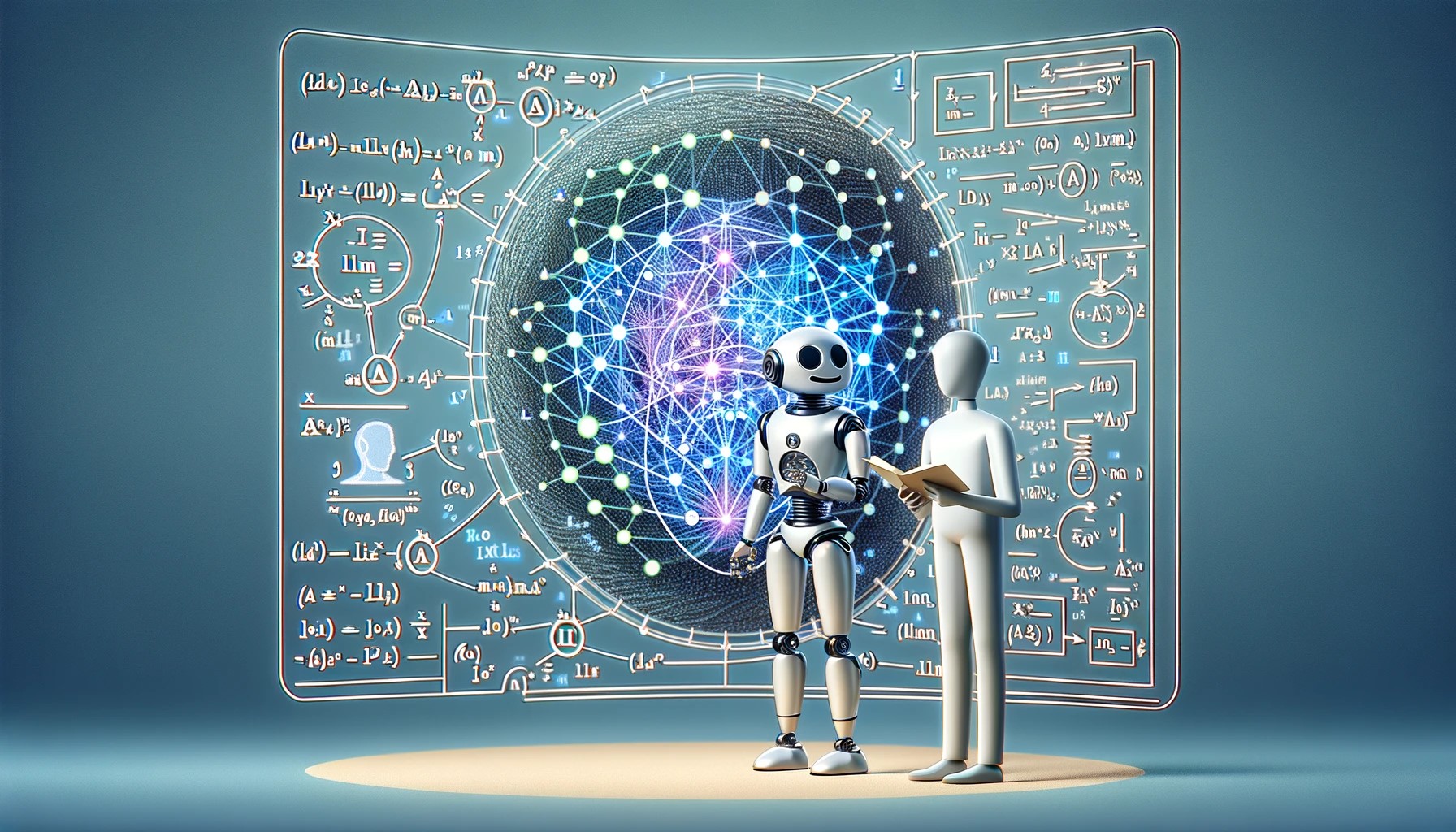
"A chatbot like ChatGPT is an application that interacts with users through conversation, using natural language. The underlying Large Language Model (LLM) is the technology that powers this interaction by understanding and generating human-like text based on extensive training on diverse data"
- Chat GPT4o
The main contenders:
Beware
- Hallucinations - be sceptical of 'facts'.
- Bias - not necessarily any more balanced than the human race.
- GDPR - err on the side of paranoia.
Working with text
Suggested uses:
- Summarising and simplifying documents and transcripts
- Tidying up notes
- Checking the style/tone/sentiment of your work
- Creating variants for/by different personas
Sample documents:
| Sample Document | AI Suggestions |
|---|---|
| Meeting notes in need of improvement |
ChatGPT
|
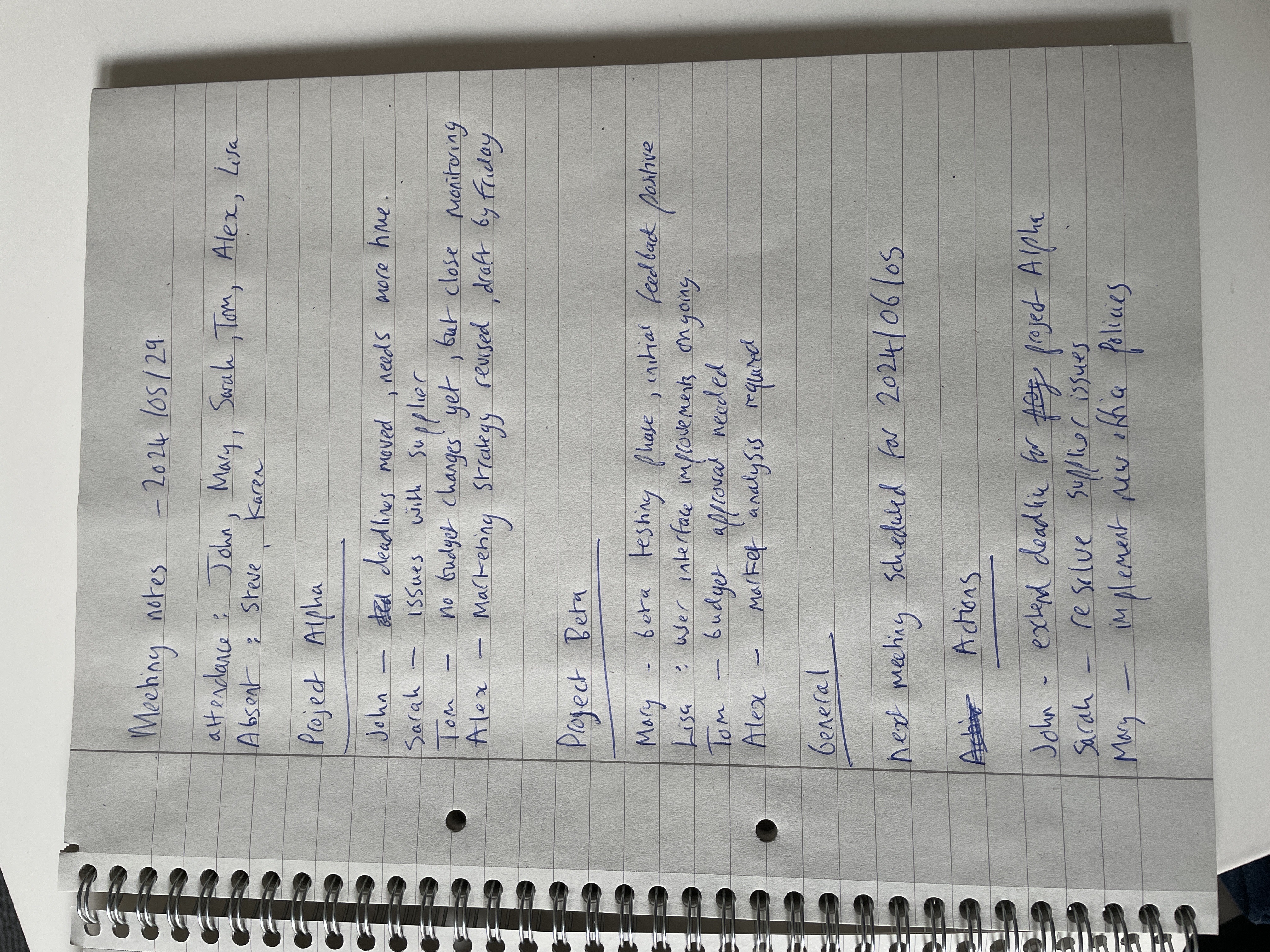
| Scruffy handwritten meeting notes |
ChatGPT
|
| Sloppily worded letter with poor attitude |
Gemini
|
| Transcript of YouTube video |
Claude (try pasting in the text, and downloading/attaching the file).
|
| Highly technical paper on robotics |
ChatGPT or Gemini will let you give the URL
|
| Open access document | You should have the idea by now. |
Prompt Engineering: asking the right questions
| Tip | Details | Example |
|---|---|---|
| Be Specific | Ensure your prompt includes all relevant details to guide the AI precisely. Vague prompts can lead to ambiguous or irrelevant responses. For instance, specify the length of the output, the style, or the format you want. | "Give me a summary of the following meeting transcript in no more than 100 words of bullet points. Avoid acronyms and jargon. Keep the tone professional. List any actions points at the end of the summary." |
| Provide Context | Adding context helps the AI understand the background and generate more accurate responses. This can include specifying roles or scenarios, such as asking the AI to respond as an expert in a field. | "I am a librarian in a UK university. Tell me the ten most important considerations for digital archiving". |
| Iterate and Experiment | Crafting effective prompts is often an iterative process. Experiment with different phrasings and structures, and refine your prompts based on the outputs you receive to improve the results. | "Now write that in 100 words ... Now 50 words ... Put it in bullet points ... Explain it to a non-technical person". |
| Provide Examples | Giving examples or referring to specific texts can help the AI understand the task better and produce more relevant outputs. This can be especially useful for tasks that require specific formats or styles. | "Format the results like this .." |
Working with data
ChatGPT (upload a file or paste the data)
Suggested uses:
- Expand the table.
- Ask questions of specific columns.
- Ask some questions of the data - explore as a conversation.
- Ask it to suggest a few visualisations.
- See what you think of a few visualisations.
- Change the colour scheme of any graphs.
- Prediction. See what the data suggests for a future value based on previous data.
Example files:
"You should try inviting AI to help you in everything you do ... As you experiment, you may find that AI help can be satisfying, or frustrating, or useless, or unnerving. But you aren't just doing this for help alone; familiarizing yourself with AI's capabilities allows you to better understand how it can assist you"
- Mollick, E. (2024) Co-intelligence: living and working with AI. New York, NY: Portfolio/Penguin.
Further resources and reading
Chatbots worth exploring:
- Poe (Really useful! Allows you to switch between more than 50 LLMs.)
- DuckDuckGo (secure access to Claude and Llama)
Helpful Resources
Podcasts
I rely on the following to keep up to date on news and developments:
- The AI Daily Brief (formerly The AI Breakdown). Only 15 minutes a day, and enough to keep you in the picture.
- Last Week in AI. My favourite, but can run to two hours a week. Goes into a lot of technical detail.
- AI for Humans. Much lighter and chatty: runs at about an hour a week.